Sensitive values
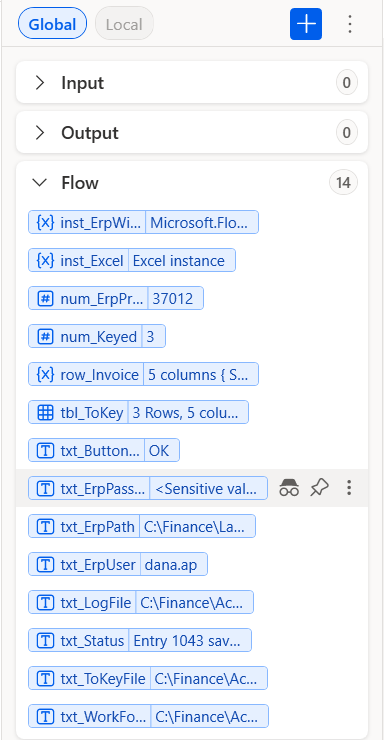
A variable that holds a password should never show its value in the Variables pane or in the run logs. PAD calls this Mark as sensitive. The setting does not travel with a paste: do it after every paste.
- In the Variables pane, find the variable the sample names (e.g.
txt_ErpPassword). - Right-click it, select Mark as sensitive. Its value now shows
<Sensitive value>.
When a flow types into a password box, PAD shows this warning until the variable is sensitive:

Important
The samples only type practice passwords into the practice apps of labs/. For a real system, keep the password out of the flow:
ask your admin which store your company uses (a credential store, an input variable filled at run time).